
What is a Premium account? How to choose a plan that suits your needs
Published:
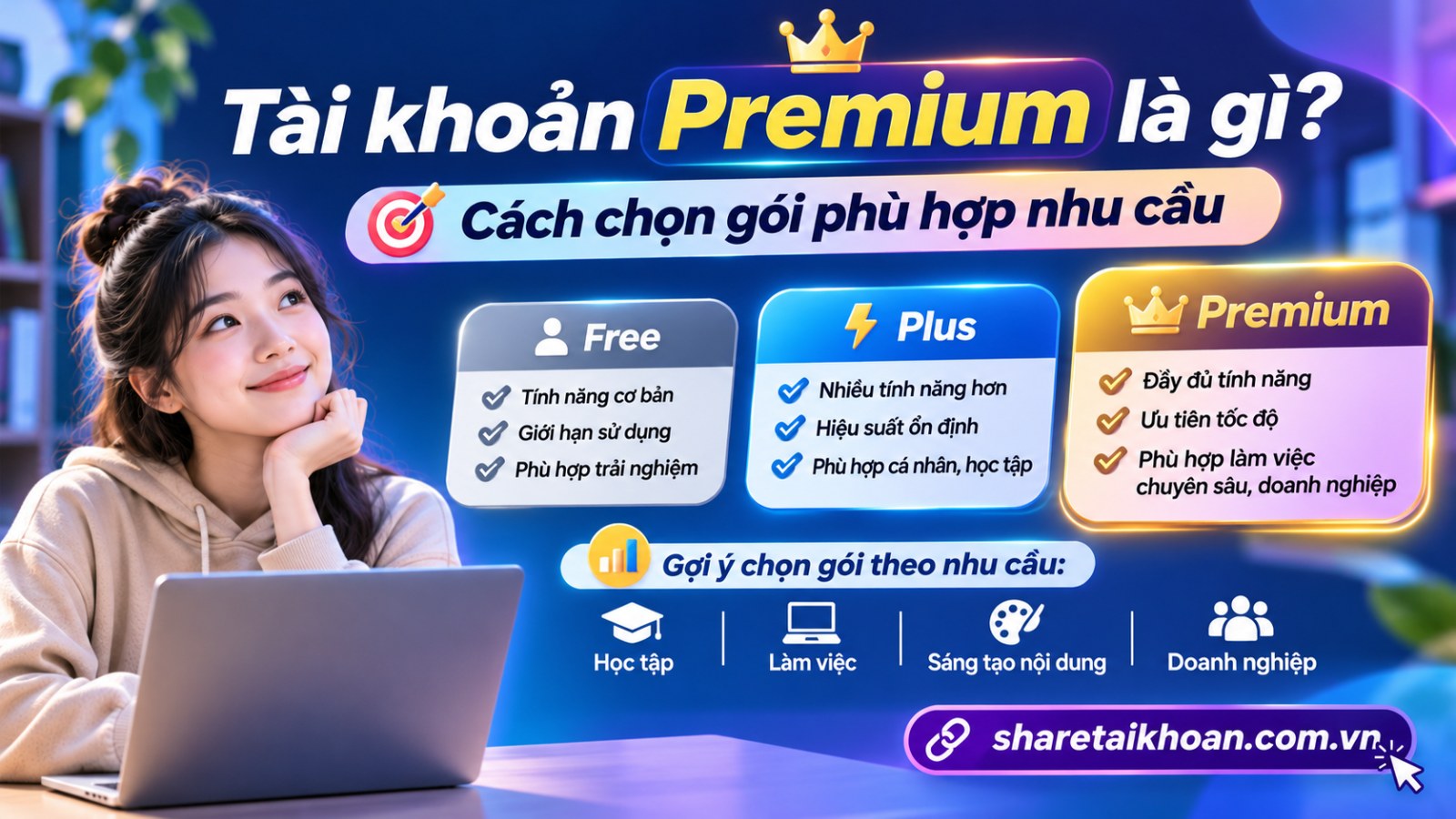
A Premium account is an account with a paid plan activated by the provider. However, “Premium” does not mean that every plan has the same features or usage terms. Reading the correct plan details before buying helps you avoid choosing unnecessary features, the wrong subscription duration or the wrong account type.
How is a Premium account different from the free version?
The free version usually covers basic needs, while a paid plan adds features, limits or resources depending on the service. For example, a design tool may offer more templates and paid resources; an AI tool may change usage limits or access to certain advanced features.
Plus, Pro, Premium and Business are names that providers give their plans. You should not infer the features of one service from the plan name of another. For accurate information, check the product page and the provider’s official documentation at the time of use.
Start with the task you need to complete
Before looking at prices, write down one specific task you want to complete. This helps rule out plans with many features that do not serve your needs.
Writing content, summarizing documents or supporting research: look for AI tools suited to the types of data you commonly use.
Designing posts, slides or publications: check templates, resources, editing tools and file export formats.
Editing short videos: check subtitles, effects, resources and any limits on exporting videos.
Writing in English: prioritize proofreading, phrasing suggestions and tools compatible with the places where you usually write.
Read all four details for the plan being sold
Two plans for the same product can still differ significantly. When viewing a product page on ShareTaiKhoan, check all of the following information rather than looking only at the price.
Product name and plan category: confirm that it is the right service and the version you need.
Subscription duration: compare the duration shown for the variant with your actual usage plans.
Account delivery and number of users: carefully read the detailed information for the selected plan.
Price and accompanying notes: check the price of the exact variant; do not use the starting price of a different plan.
Distinguishing between Private, Personal account upgrade and Shared
Private or Personal account upgrade plans are generally intended for one user, but the ability to change account details and the activation method may vary by plan. Shared means multiple people use the same account according to the provider’s instructions.
Check the description of the specific variant you select to find out how many people can use it and how it is provided. Do not assume that all Personal account upgrade plans are the same or that all Shared plans have the same limits. Account sharing must also comply with the service provider’s terms.
When should you choose a short-term or long-term plan?
A short-term plan is suitable if you want to try out a workflow or only need the service for one project. A long-term plan is worth considering once you use the service regularly, understand which features you need and accept the conditions that come with the plan.
Do not decide based only on the monthly price. Consider actual usability, how often you work and whether the account type suits your needs.
Pre-purchase checklist
Before clicking Buy, you can quickly check the following:
I know which features I actually need and have checked them against the product description.
I have selected the correct variant and subscription duration, and checked the price for that variant.
I understand the account delivery method, number of users and plan notes.
I will not upload sensitive data to a Shared account and will follow the usage instructions.
I know how to review my order and contact ShareTaiKhoan if I need support.
(0 ratings - 0/5)
Buy affordable accounts at ShareTaiKhoan



Compare packages
| Product | Package | Type | Price | |
|---|---|---|---|---|
| ChatGPT Plus | Plus - 1 month | Shared | 149.000₫ | Buy |
| ChatGPT Plus | Plus - 3 months | Shared | 399.000₫ | Buy |
| ChatGPT Plus | Plus - 1 year | Shared | 1.499.000₫ | Buy |
| ChatGPT Plus | Plus - Lifetime | Shared | 4.500.000₫ | Buy |
| Canva | Edu - 1 year | Own account | 150.000₫ | Buy |
| Canva | Edu - Lifetime | Own account | 599.000₫ | Buy |
| Canva | Pro - 1 year | Own account | 299.000₫ | Buy |
| Canva | Pro - 2 years | Own account | 499.000₫ | Buy |
| CapCut | Pro - 1 device - 1 week(s) | Shared | 39.000₫ | Buy |
| CapCut | Pro - 1 device - 1 month | Shared | 89.000₫ | Buy |
| CapCut | Pro - 1 device - 6 months | Shared | 499.000₫ | Buy |
| CapCut | Pro - 1 device - 1 year | Shared | 799.000₫ | Buy |
Related products

Other articles
- What Is Account Sharing? A Cost-Effective Way to Use Premium Software
- Elicit Pro: Features, intended users and tips for choosing an account
- How to receive and check your Premium account after purchase
- 7 security tips for Premium accounts and personal data
- What Is KeywordTool.io? A Guide to SEO Keyword Research in 2026
- What Is Gamma AI? How to Create AI Slides & Compare Gamma Pro Plans in 2026
- What Is vidIQ? A Guide to Using vidIQ Boost & Max for YouTube SEO
Comments (0)
Sign in or register to comment.
No comments yet.