
ChatGPT Images 2.6 Launches: 50% Faster Image Generation
Published:
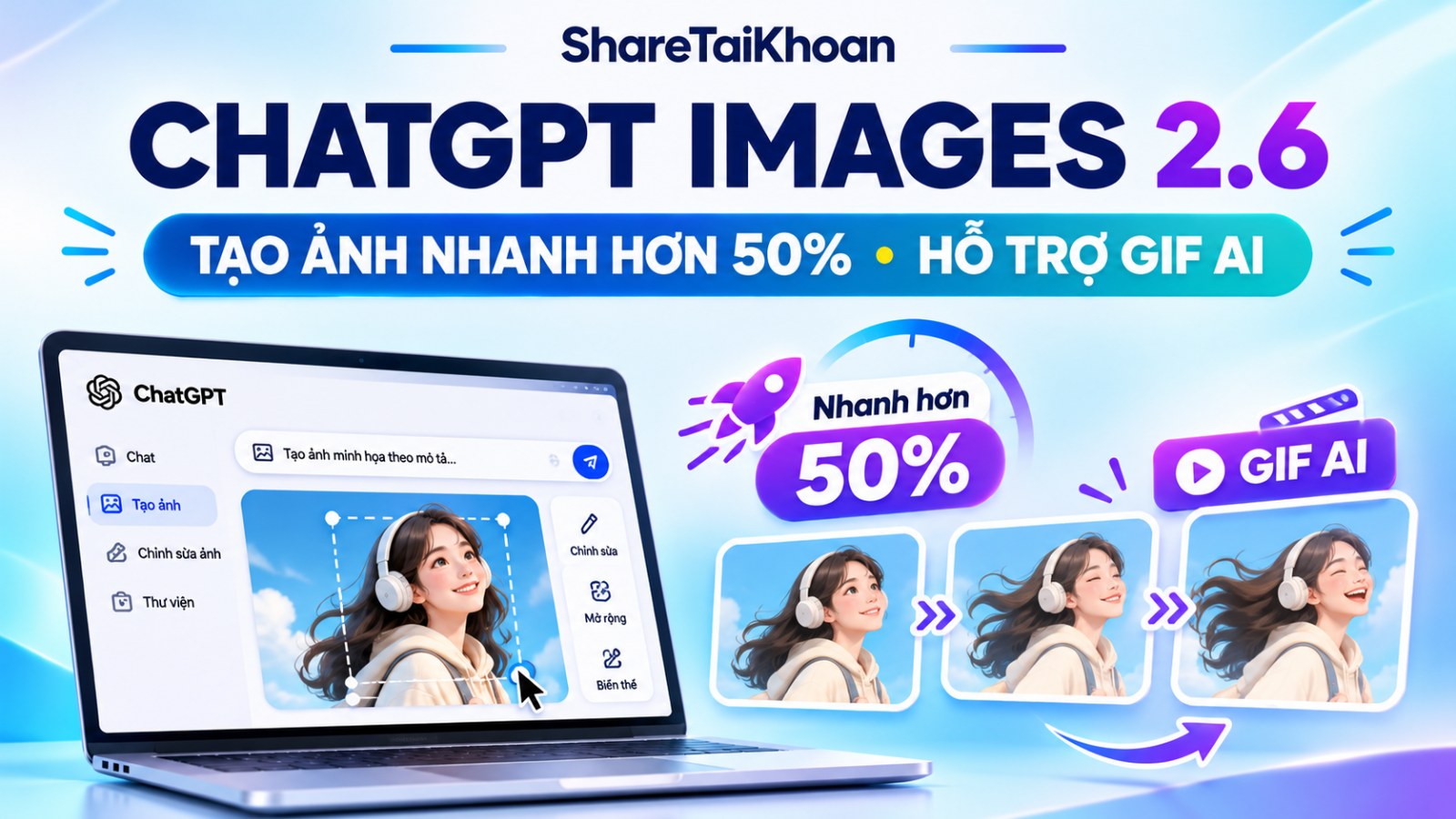
OpenAI launches ChatGPT Images 2.6 with 50% faster image generation, consistent editing, and GIF support. Explore the new features and how to use them
ChatGPT Images 2.6 launches: Create images 50% faster and make AI-powered GIFs
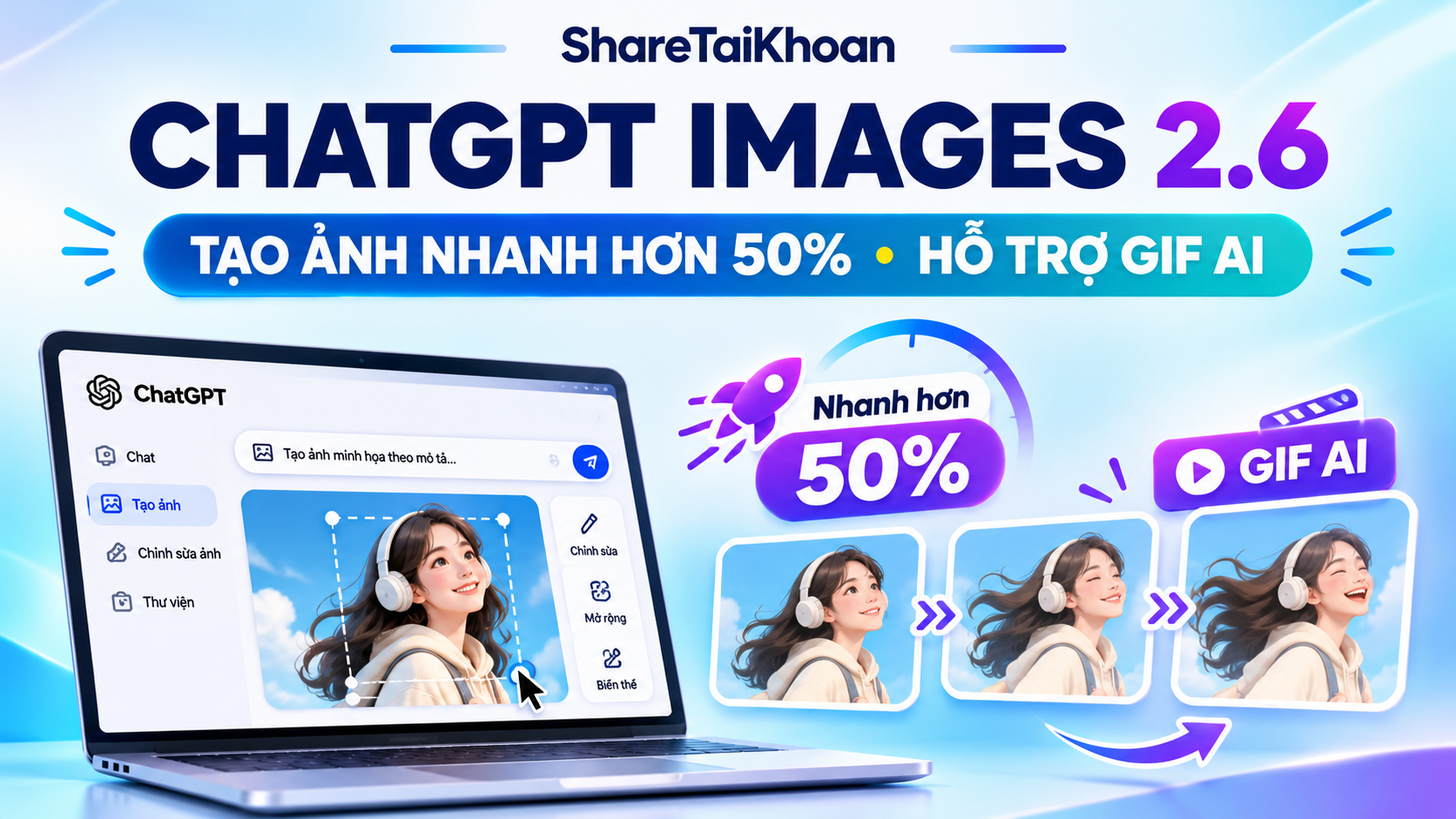
On November 4, 2026, OpenAI officially introduced ChatGPT Images 2.6, a new version of its AI image generation and editing technology. According to OpenAI, Images 2.6 generates images about 50% faster than the previous version, improves consistency during editing, and adds the ability to create animated GIFs.
This is a notable update for people who regularly use AI to design advertising images, create social media content, build product imagery, or produce marketing content.
So What’s new in ChatGPT Images 2.6? How does AI-powered GIF creation work? Can free ChatGPT users use the new version?
Let's ShareTaiKhoan Learn more in the article below.
OpenAI officially launches ChatGPT Images 2.6
On November 4, 2026, OpenAI announced Images 2.6 on the ChatGPT, Codex, and API platforms.
This is the next step in the evolution of image-generation technology, focusing on three areas: speed, quality, and editing control.
According to OpenAI, users now generate about 4 billion images per week on ChatGPT, Codex, and the API. This figure shows that demand for AI image creation is already at a very large scale.
With Images 2.6, OpenAI aims to help users create images faster and reduce the number of times they have to redo an entire design.
The main improvements include:
Faster image generation.
Improve character and product consistency.
Supports animated GIF creation.
Improved ability to edit fine details.
Adds advanced control tools for developers.
According to the official announcement, Images 2.6 is available on ChatGPT and Codex across web, desktop, and mobile platforms.
Source: OpenAI – Introducing Images 2.6.
ChatGPT Images 2.6 creates images 50% faster
One of the most notable improvements in Images 2.6 is its processing speed.
According to OpenAI, the new model can generate images about 50% faster than the previous version.
This is especially useful when users need to create multiple image versions as part of their work.
For example, when designing an advertising banner, you might need:
Create images based on an initial idea.
Change the layout.
Adjust the colors.
Add or remove details.
Create different versions for testing.
When image generation takes less time, the creative and experimentation process can become more convenient.
However, the 50% improvement is a figure reported by OpenAI. Actual generation time may vary depending on the complexity of the request, image quality, and system status.
ChatGPT Images 2.6 supports AI-powered GIF creation
In addition to speed, GIF creation is a noteworthy feature in this update.
GIF is an animated image format that can loop and is often used on social media, in online communication, and in short illustrative content.
With Images 2.6, users can create simple animations based on prompts or reference images.
3.1. Turn a still image into a GIF
For example, you have an animated character and want it to wave.
Instead of building each frame yourself, you can describe the motion you want and ask ChatGPT to create an animation.
Reference prompt:
"Create a smoothly looping GIF from this animated character. The character stays in place, smiles, and waves hello. Keep the face, outfit, and background color unchanged throughout the animation."
If the GIF feature has been enabled on your account, ChatGPT can help create animations on request.
3.2. Create GIFs for marketing content
For marketers, GIFs can be used to:
Create animated brand characters.
Illustrating a promotional announcement.
Create effects for product images.
Produce entertainment content for social media.
Illustrating the steps for using a product.
For example, a store might request a GIF showing a gift box opening and a promotional message appearing.
GIFs are suited to short, simple animations that can loop.
However, GIFs do not fully replace advertising videos. For content that needs audio, multiple scenes, and longer motion, dedicated video-editing tools are still more suitable.
3.3. Is the GIF feature available to all users yet?
OpenAI announced that Images 2.6 is available across ChatGPT subscription tiers.
However, GIF creation in the ChatGPT interface is being rolled out in stages. Therefore, not all accounts will see this feature at the same time.
Users should check the current interface before paying for a subscription solely to use GIFs.
ChatGPT Images 2.6 edits images more accurately
A common challenge when editing images with AI is that details that were not meant to be changed can also be altered.
For example, when you want to change the background of a product photo, an AI tool might inadvertently alter the product’s color, size, or shape.
OpenAI introduced Images 2.6 with an improved ability to maintain consistency across multiple edits.
4.1. Preserve character features
If you're creating a set of advertising images featuring the same character, you can ask to change the setting or action while keeping the important characteristics intact.
For example:
"Keep the character’s face, hairstyle, and outfit unchanged. Only change the setting to a modern café with natural lighting."
The model is designed to reduce unwanted changes compared with previous generations.
However, consistency still needs to be checked in the actual results.
4.2. Edit product photos
For online sellers, preserving the product’s shape and brand details is essential.
A reference prompt:
"Keep the product, packaging shape, label, and colors unchanged. Only change the background to a white studio with natural lighting and soft shadows."
Images 2.6 can support edits like these.
However, for logos, text on labels, or details that must be absolutely accurate, check the image carefully or use a design tool to composite the original assets.
Do not use AI-generated images that misrepresent product information in advertisements.
How are GPT-Image-2.6 Flare and Sunburst different?
In addition to the ChatGPT interface, OpenAI also offers variations of the Images 2.6 model through an API for developers.
Two announced variants include:
Model | Usage direction |
|---|---|
GPT-Image-2.6 Flare | Prioritize speed and fast image generation |
GPT-Image-2.6 Sunburst | Prioritize quality, detail, and consistency when editing |
According to OpenAI, with the API set to low quality, Flare can generate images in about 6 seconds for some tasks.
Meanwhile, Sunburst is aimed at images that require greater accuracy and higher quality.
Notably, these options were introduced for the API. ChatGPT users do not necessarily have a separate Flare or Sunburst selection menu in the interface.
This is an important distinction when learning about the new features in Images 2.6.
How to create images with ChatGPT Images 2.6
To get started, users can follow these steps.
Step 1: Open ChatGPT
Open a browser at chatgpt.com or use the ChatGPT app on your phone.
Step 2: Select the image-generation tool
In a supported interface, open the Images feature or enter a request directly in the conversation.
Step 3: Describe the image you want to create
A good prompt should specify:
Main audience.
Image style.
Setting.
Colors.
Camera angle or composition.
Aspect ratio.
Details to preserve.
For example:
"Create a minimalist skincare product advertisement with a cream-colored background and natural studio lighting. Place the product in the center, leave space at the top for a headline, and use a 16:9 aspect ratio."
Step 4: Review the result
Review the layout, colors, text, and product details.
Step 5: Continue editing
If the result isn't suitable, describe exactly what you want to change rather than recreating the entire image.
For example:
"Keep the product and composition unchanged; only change the background color to light blue, reduce the shadows, and increase the natural brightness."
A step-by-step editing process can help you achieve better control over the results.
If you're new to using AI, also see the article A beginner’s guide to using ChatGPT effectively.
Is ChatGPT Images 2.6 free?
According to the announcement dated 04/11/2026, OpenAI has made Images 2.6 available on ChatGPT and Codex for all subscription tiers.
Thus, users do not necessarily need to buy ChatGPT Plus just to access the new image generation model.
However, practical usability is still affected by subscription plan limits.
The free plan may limit the number of uses or access to certain features, while paid plans offer different benefits and limits.
The GIF feature is currently being rolled out gradually in ChatGPT.
If you frequently create images for work, you can consider upgrading based on your actual needs, rather than on the name of a new version alone.
Can ChatGPT Images 2.6 replace Canva and Photoshop?
Images 2.6 brings several improvements to image creation and editing, but that does not mean traditional design software is no longer needed.
ChatGPT is suitable for:
Generate visual ideas quickly.
Develop multiple creative options.
Create illustrative images.
Edit images using natural language.
Create characters or simple GIFs.
Meanwhile, Canva and Photoshop still have advantages in many design workflows, such as managing layouts, making manual edits, controlling brand assets, and exporting files to meet production requirements.
For example, you can create a background image with ChatGPT, then bring it into Canva to add the official logo and text in your brand font.
This is a useful workflow combination for people working in marketing and e-commerce.
See also the article Canva AI Upgrades in 2026.
Who is ChatGPT Images 2.6 suitable for?
Content Creator
Content creators can use Images 2.6 to create illustrations for articles, develop visual concepts, and experiment with different styles.
Online sellers
Businesses can use AI to develop advertising ideas, change product settings, or create illustrations for campaigns.
However, make sure the image does not misrepresent the product's actual characteristics.
Marketing professionals
Images 2.6 can support creating visuals for social media, sketching advertising banners, and testing concepts before finalizing a design.
Teachers and students
Learners can use the image generation feature to illustrate concepts, create presentations, or develop visually engaging learning materials.
Designers
AI can be used to develop initial ideas and create reference versions. Quality checks and finalizing the design remain important.
Should you upgrade to ChatGPT Plus to use Images 2.6?
If you only create images occasionally, the free version may meet your basic needs within the available limits.
If you frequently create and edit images for work, ChatGPT Plus is worth considering for its access and expanded limits under the current policy.
However, before purchasing an account, find out the following:
Actual subscription plan.
Account management rights.
Image generation limits.
GIF support status.
Renewal and support policy.
Information security conditions.
You can also read the article ChatGPT Plus vs. Pro 2026: What’s the difference, and which plan should you choose?.
For third-party services, be sure to distinguish between private and shared accounts. Avoid uploading private images or unpublished brand materials to an account used by multiple people.
Frequently asked questions about ChatGPT Images 2.6
When did ChatGPT Images 2.6 launch?
OpenAI officially announced Images 2.6 on November 4, 2026.
Does Images 2.6 create images faster than the older version?
Yes. According to OpenAI, Images 2.6 generates images about 50% faster than the previous version. Actual speeds may vary by task.
Can ChatGPT Images 2.6 create GIFs?
Yes. Images 2.6 supports creating animated GIFs, but the feature is being rolled out gradually in ChatGPT.
Can free ChatGPT users use Images 2.6?
Yes. OpenAI announced Images 2.6 for all ChatGPT subscription tiers, but specific limits and access may vary.
Does Images 2.6 preserve faces and products when editing?
The model has improved at preserving important details during editing. However, absolute accuracy cannot be guaranteed in every case.
Do I need to buy ChatGPT Plus to create GIFs?
There is no basis for claiming that only ChatGPT Plus users can create GIFs. The feature is being rolled out gradually, and access should be checked on the actual account.
Conclusion
The appearance of ChatGPT Images 2.6 marking a new step forward in AI image-creation technology.
With image generation about 50% faster, more consistent editing, and GIF creation support, the new version offers many practical applications for content creators, sellers, and marketing staff.
However, users should distinguish the capabilities of the Images 2.6 model from features that are still being gradually rolled out in ChatGPT, and check usage limits before choosing a paid plan.
Explore ChatGPT options at ShareTaiKhoan
If you're exploring ChatGPT Plus for AI image creation, writing, or work assistance, you can find information about the service plans at:
View ChatGPT Plus on ShareTaiKhoan
Carefully review the account type, benefits, price, and support policy before deciding.
Account Sharing | ShareTaiKhoan
Website: https://sharetaikhoan.com.vn
Zalo/WhatsApp: +84 337 018 337
ShareTaiKhoan is an independent service provider and is not OpenAI or an official partner endorsed by OpenAI.
References:
OpenAI – Introducing Images 2.6, November 4, 2026: https://openai.com/index/introducing-images-2-6/
OpenAI Help Center – ChatGPT Release Notes: https://help.openai.com/en/articles/6825453-chatgpt-release-notes
Updated 10/11/2026. Features and limits may vary by subscription tier, platform, and rollout progress.
(0 ratings - 0/5)
Buy affordable accounts at ShareTaiKhoan

Compare packages
| Product | Package | Type | Price | |
|---|---|---|---|---|
| ChatGPT Plus | Plus - 1 month | Shared | 149.000₫ | Buy |
| ChatGPT Plus | Plus - 3 months | Shared | 399.000₫ | Buy |
| ChatGPT Plus | Plus - 1 year | Shared | 1.499.000₫ | Buy |
| ChatGPT Plus | Plus - Lifetime | Shared | 4.500.000₫ | Buy |
| ChatGPT Pro | Pro - 1 month | Shared | 599.000₫ | Buy |
| ChatGPT Pro | Pro - 3 months | Shared | 1.499.000₫ | Buy |
| ChatGPT Pro | Pro - 1 year | Shared | 4.999.000₫ | Buy |
| ChatGPT Pro | Pro - 1 month | Private | 2.400.000₫ | Buy |
Related products

Other articles
- What Is New in Suno v6? Models, Studio 2.0 and Plans for 2026
- When Is Black Friday 2026? Sale Schedule & Shopping Tips
- Is Gemma 5 Coming Soon? Google Makes AI 2.85 Times Faster
- Is Meta Muse Free? Plans and Terms of Use
- What is Udemy Business? A corporate training platform
- What is QuillBot? A guide to using QuillBot from A–Z
- What Is TurboScribe? How to Convert Audio, Video to Text
Comments (0)
Sign in or register to comment.
No comments yet.