
What's new with ChatGPT in 2026?
Published:
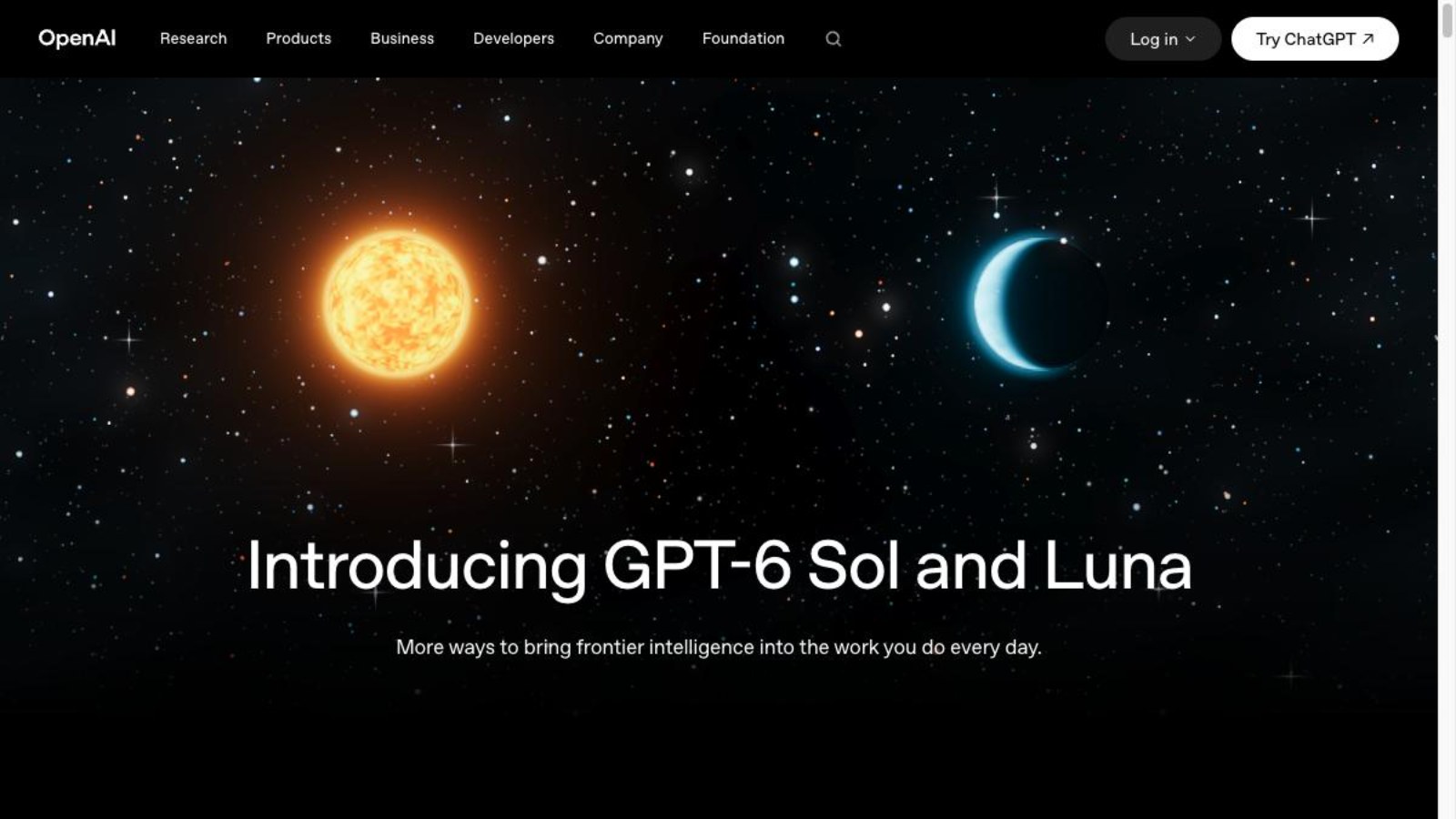
ChatGPT has seen many notable changes in 2026, including GPT-6, an interactive interface, AI work tools, and new security features. Join ShareTaiKhoan to explore the key updates and how to choose the right ChatGPT plan.
# What’s new in ChatGPT in 2026? Notable AI features
**Updated: 29/10/2026 | Category: AI News**
The year 2026 marks a notable stage in ChatGPT's development, as OpenAI continues to introduce new artificial intelligence models, enhance its ability to handle tasks, and expand the ways users interact with AI.
In particular, the arrival of **GPT-6, the Intelligent UI smart interface, slide creation, audio file processing, and conversation protection** is making ChatGPT a more versatile work assistant.
So, **what’s new in ChatGPT 2026**, which features are genuinely useful, and should users upgrade to ChatGPT Plus? Find out with ShareTaiKhoan in the article below.
What’s new in ChatGPT in 2026? An overview of notable changes
Whereas ChatGPT was previously known mainly as a chatbot that could answer questions and generate text, updates in 2026 are significantly expanding its range of applications.
ChatGPT can do more than help write content: it can also analyze documents, process data, generate images, assist with programming, and handle more complex tasks through specialized features.
Here are the key updates as of the end of October 2026.
| Feature | Notable new development |
|---|---|
| GPT-6 | A new generation of AI models introduced in ChatGPT |
| Intelligent UI | Displays answers using charts, images, and interactive elements |
| ChatGPT Work | Support for multi-step tasks, research, and file processing |
| ChatGPT Slides | Create, edit, and collaborate on slides |
| Audio Upload | Transcribe audio, summarize it, and analyze it |
| ChatGPT Images | Improved image generation and editing capabilities |
| Locked Chats | Protects access to selected conversations |
| Plugins | Connect to supported services and applications |
| GPT-6.1 Terra | A new model for tasks in Work and Codex |
Please note that not every feature is available on all accounts. Access also depends on the subscription plan, device, region, and OpenAI's rollout schedule.
GPT-6 – One of the most important upgrades to ChatGPT in 2026
On October 7, 2026, OpenAI announced the expansion of GPT-6 to ChatGPT users, along with new intelligent interface capabilities.
GPT-6 is a generation of AI models developed to better support a wide range of tasks, from everyday questions and answers to reasoning, programming, information processing, and specialized work.
### How is GPT-6 different from previous generations?
**Reasoning and problem-solving capabilities**
GPT-6 can help with requests that involve multiple steps, such as analyzing a business situation, planning a project, or evaluating different options.
Instead of simply asking AI to write a paragraph, users can give ChatGPT a more clearly defined task, including the objective, input data, conditions, and output format.
**Support for professional work**
GPT-6 is used for a range of tasks, including:
**Multiple model options to suit your needs**
The GPT-6 ecosystem includes models optimized for different priorities, such as response speed, reasoning ability, or handling complex tasks.
This gives users more ways to choose the right tool, rather than using a single model for every task.
### Who will benefit from GPT-6?
GPT-6 may be useful for students who need to synthesize knowledge, office workers who regularly prepare reports, content creators looking for ideas, programmers, and anyone who wants to optimize their workflow.
However, AI-generated results still need to be checked, especially for financial, legal, and medical content, and data that directly affects important decisions.
- Develop outlines and edit marketing content.
- Explain Excel formulas and help analyze data.
- Write, check, and explain code.
- Support reading and understanding specialized documents.
- Develop work plans and reports.
Intelligent UI – ChatGPT no longer just responds with text
One notable new ChatGPT feature in 2026 is **Intelligent UI**, or an intelligent interface.
Introduced by OpenAI alongside GPT-6 on 7/10/2026, this feature lets ChatGPT present answers in more visual and interactive ways.
### How does Intelligent UI work?
Rather than always returning long blocks of text, ChatGPT can choose a presentation format suited to the requested content.
For example:
### Practical benefits of Intelligent UI
For school and university students, visual presentations can make it easier to engage with knowledge.
For office workers, tables and charts help them quickly review information, check figures, and present proposals.
For business users, comparison interfaces make it easier to analyze options.
This marks a notable development in how people work with AI: moving from reading answers to interacting directly with information.
- When comparing products, AI can display information side by side according to selected criteria.
- When analyzing data, AI can create visual charts.
- When calculations are needed, AI can provide interactive tools.
- When explaining concepts, AI can combine text with illustrative images.
ChatGPT Work – Help with completing multistep tasks
Another important trend is that ChatGPT is increasingly being used to handle practical tasks rather than just answer questions.
ChatGPT Work is an environment that helps users delegate tasks involving multiple steps, such as research, data compilation, file analysis, or document preparation.
### What can ChatGPT Work help with?
**Research and information synthesis**
Users can ask AI to research a topic, organize the information, and prepare a summary in the required structure.
**Document processing**
ChatGPT can help review documents, compare content, and prepare summaries or reports.
**Getting work ready**
Users can assign tasks such as planning a project, categorizing information, or preparing documents for a meeting.
**Support for multi-step workflows**
With the right capabilities and access, ChatGPT can perform steps in a supported work environment.
Actions involving private data, accounts, or significant changes still need to be carefully managed and reviewed.
ChatGPT Slides – Create and edit presentations with AI
On October 16, 2026, OpenAI introduced the ability to create and collaborate on slides in ChatGPT for eligible user groups.
This feature is worth considering for teachers, students, office workers, and anyone who often needs to prepare presentations.
### Tasks you can perform
Users can start with a written request, an outline, or an existing document to create a presentation.
After that, users can continue editing elements such as:
ChatGPT Slides also supports collaboration and export to formats compatible with supported work environments.
### Use cases
A marketing employee preparing a campaign performance report can organize the data, describe the objectives, and ask AI to develop a presentation structure.
Teachers can use lesson materials to prepare presentation content, then review and adapt it for their students.
**Note:** ChatGPT Slides is being rolled out to certain eligible plans and work environments. You should not assume that every ChatGPT Plus account has full access to this feature.
- The title and content of each slide.
- Images and layout.
- Tables and charts.
- Structure and presentation order.
ChatGPT makes audio file processing more convenient
On October 6, 2026, OpenAI announced that users could upload audio files to ChatGPT to transcribe, summarize, and explore their content.
This is a useful feature for people who regularly study through lectures, attend meetings, or work with recorded content.
### Applications in learning
Students can use lecture recordings to help create transcripts, identify key points, and prepare study outlines.
### Workplace applications
Office workers can process meeting recordings to summarize the discussion, identify action items, and prepare follow-up emails.
### Applications in content creation
Podcast or video creators can convert speech to text to make editing content easier.
Even so, automatic transcription can still make mistakes when the audio is unclear, multiple people are speaking, or specialized terminology is used.
Users should obtain permission before recording others and verify information before using it in official documents.
ChatGPT Images continues to improve its image creation capabilities
In addition to processing text, ChatGPT is expanding its image creation and editing capabilities.
In September 2026, OpenAI introduced ChatGPT Images 2.5, with improvements in detail, editing based on user instructions, and the ability to start from design templates.
### Marketing applications
Content creators can use AI to sketch out image ideas for social media posts, create illustrations for blog posts, or experiment with different design styles.
### Sales applications
AI can help create illustrative images showing products in use, develop advertising concepts, or prepare communications content.
### Applications in education
Teachers can create illustrative images to make lessons more engaging.
However, AI-generated images should not be used to fake pictures of actual products or create a misleading impression of goods and services.
Locked Chats – Added protection for conversations
On October 20, 2026, OpenAI began rolling out the Locked Chats feature.
This feature allows users to lock selected conversations so they do not appear in the regular conversation history list or search results.
### What are the benefits of Locked Chats?
When using a shared device or sharing a screen during a meeting, users may want to limit the chance of others accidentally seeing their private conversations.
Locked Chats supports this need through the account PIN or a supported device authentication method.
### Do Locked Chats fully protect your data?
No. Locking a chat does not mean creating a separate end-to-end encrypted data vault.
This feature also does not automatically change data retention policies or existing data-use settings.
Therefore, users still need to review their privacy settings, secure their sign-in, and think carefully before sharing sensitive information with AI.
Is ChatGPT Plus worth upgrading to in 2026?
After many changes in 2026, a common question is whether to use ChatGPT Plus instead of the free version.
The answer depends on each person’s needs and how often they use it.
### A quick comparison of ChatGPT Free and ChatGPT Plus
| Criteria | ChatGPT Free | ChatGPT Plus |
|---|---|---|
| Cost | Free | Paid |
| GPT-6 | Access included | More advanced reasoning options available |
| File uploads and processing | Limited | Expanded limits |
| AI image generation | Limited | Expanded capabilities and limits |
| Deep research | Limited | Expanded limits |
| Memory and context | Limited | Expanded |
| Projects and scheduled tasks | Based on current access | Supported |
| Codex | Limited | Expanded limits |
The table above describes the general differences based on subscription plan information. Actual limits may vary and do not mean that all features can be used without limits.
### When is ChatGPT Free enough?
The free version can meet needs such as answering knowledge questions, simple translation, help with short-form writing, or basic brainstorming.
If they only use ChatGPT occasionally, users may not need to upgrade.
### When should you consider ChatGPT Plus?
ChatGPT Plus is a better fit if you:
In particular, for people who frequently run into usage limits on the free plan, upgrading may help make their workflow less interrupted.
- Frequently work with multiple documents.
- Need to use AI in your daily work.
- Want broader tool limits.
- Need to handle complex reasoning tasks.
- Use AI for programming, research, or content creation.
Explore ChatGPT Plus plans at ShareTaiKhoan
If you are exploring ChatGPT Plus for study, work, or content creation, you can refer to information about the usage options offered by ShareTaiKhoan.
The website offers service options such as Shared accounts, Private accounts, and Personal account upgrades.
Each option has different pricing, Subscription duration, management permissions, and terms of use.
Before choosing, users should carefully review:
In particular, users should not enter confidential work documents, customer data, or sensitive personal information into a shared account.
**Explore ChatGPT Plus options at ShareTaiKhoan:** https://sharetaikhoan.com.vn/product/chatgpt-plus
*ShareTaiKhoan is an independent service provider, not OpenAI and not affiliated with OpenAI.*
- Account delivery and activation method.
- The number of people and devices permitted to use it.
- Account and data management permissions.
- Features available under each plan.
- Policies on warranty coverage, account replacement, or refunds.
Frequently asked questions about ChatGPT in 2026
### Does ChatGPT have GPT-6 in 2026?
Yes. OpenAI introduced GPT-6 in ChatGPT in 2026 and expanded access to more user groups starting in October.
### Is ChatGPT GPT-6 free?
Free users can access GPT-6 according to the benefits of their plan. Paid plans offer additional options and different usage limits.
### Can ChatGPT Plus generate AI images?
Yes. ChatGPT Plus supports image generation with expanded capabilities and limits compared with the free version. Results also depend on the prompt and the limits in effect at the time of use.
### Can ChatGPT create PowerPoint presentations?
ChatGPT can help develop presentation outlines and content. In addition, ChatGPT Slides lets you create and edit slides in a supported environment, but access depends on your subscription plan.
### Can ChatGPT summarize audio recordings?
Yes. ChatGPT supports uploading compatible audio file formats to generate transcripts and summaries for eligible accounts.
### Is ChatGPT Plus worth buying in 2026?
If you use AI every day for work, research, programming, or document processing, ChatGPT Plus is worth considering. If you only ask simple questions, the free version may be sufficient.
Conclusion
The changes in 2026 show that ChatGPT is evolving from a text-based question-and-answer tool into an environment that supports many types of work.
The arrival of GPT-6, Intelligent UI, ChatGPT Work, ChatGPT Slides, audio processing capabilities, and security improvements gives users more options.
However, not every new feature is suited to every need. Choosing a ChatGPT plan should be based on usage frequency, actual work requirements, security needs, and budget.
If you are considering using ChatGPT Plus, you can review the service options, terms of use, and published support policies at **ShareTaiKhoan.com.vn** before deciding.
(0 ratings - 0/5)
Buy affordable accounts at ShareTaiKhoan
Related products
Other articles
- What Is New in Suno v6? Models, Studio 2.0 and Plans for 2026
- When Is Black Friday 2026? Sale Schedule & Shopping Tips
- Is Gemma 5 Coming Soon? Google Makes AI 2.85 Times Faster
- Is Meta Muse Free? Plans and Terms of Use
- What is Udemy Business? A corporate training platform
- What is QuillBot? A guide to using QuillBot from A–Z
- What Is TurboScribe? How to Convert Audio, Video to Text
Comments (0)
Sign in or register to comment.
No comments yet.