
A guide to quick design with Canva and AI features
ShareTaiKhoan
Published:
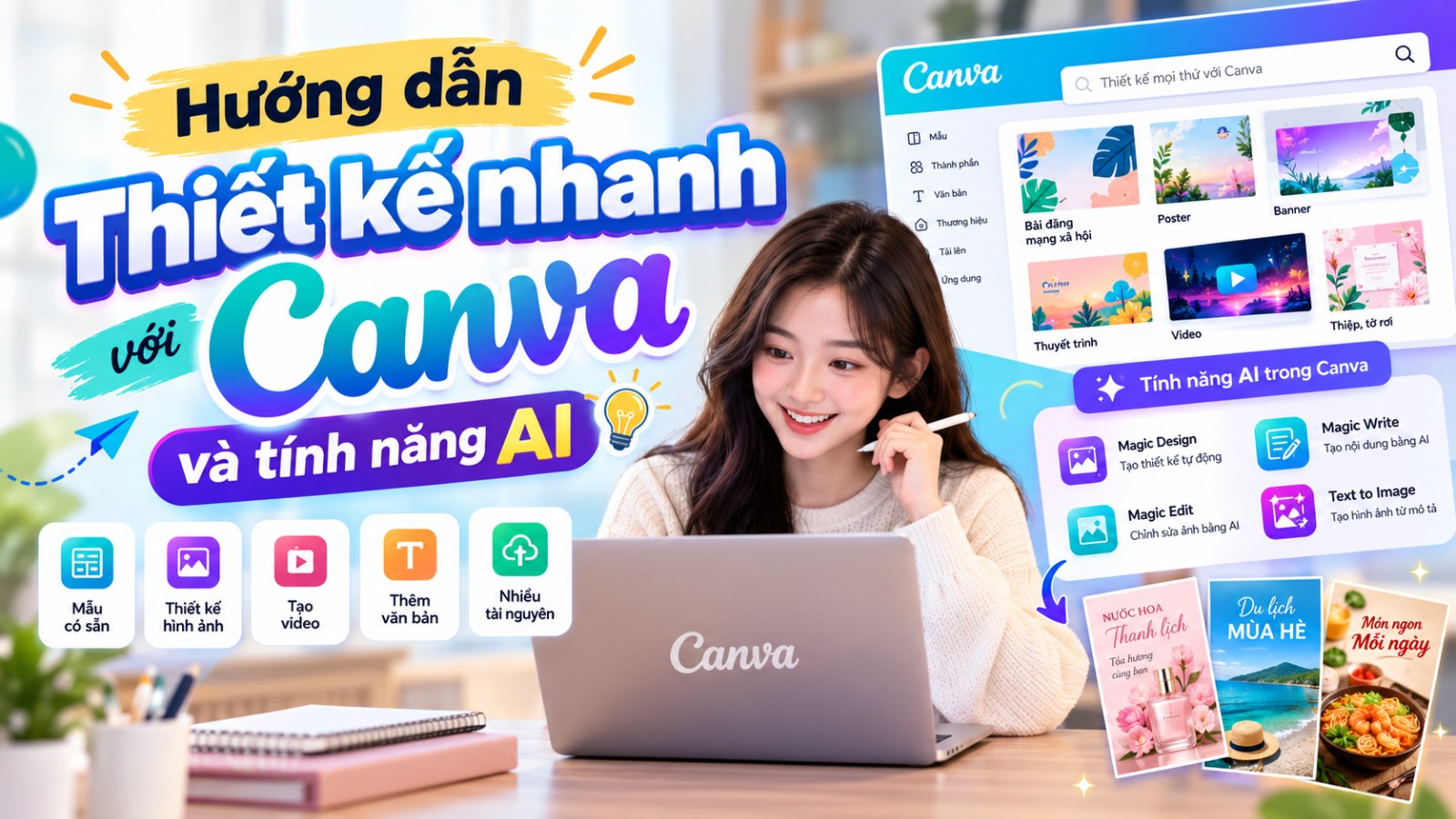
Canva helps non-designers create beautiful designs in just a few minutes with its extensive template library and AI tools.
Basic design steps
The design process in Canva is very simple:
- Choose the right size (Facebook post, story, slide, etc.).
- Choose a ready-made template that closely matches your idea.
- Change the text, colors, and images to match your brand.
- Download in PNG, JPG, PDF, or MP4 format.
Make use of AI features
Tools such as background removal, image expansion, and automatic copywriting help you work faster. Many advanced features are available only in the paid version.
(0 ratings - 0/5)
Buy affordable accounts at ShareTaiKhoan
Related products

Other articles
- Canva Pro or Photoshop? A Comparison for Marketing in 2026
- Runway Act-Two: Animate AI Characters Using Your Video
- Systematic Literature Reviews with Elicit: A 6-Step Process
- Semrush One and AI Visibility: Measuring Brand Presence in ChatGPT
- Create Natural-Sounding Vietnamese AI Voiceovers with Vbee: 7 Techniques
- How to Find Bestselling TikTok Shop Products with Kalodata
- Adding Voiceovers to Videos and Lectures with Vbee: A 6-Step Process
Comments (0)
Sign in or register to comment.
No comments yet.